28 drops & sound FX
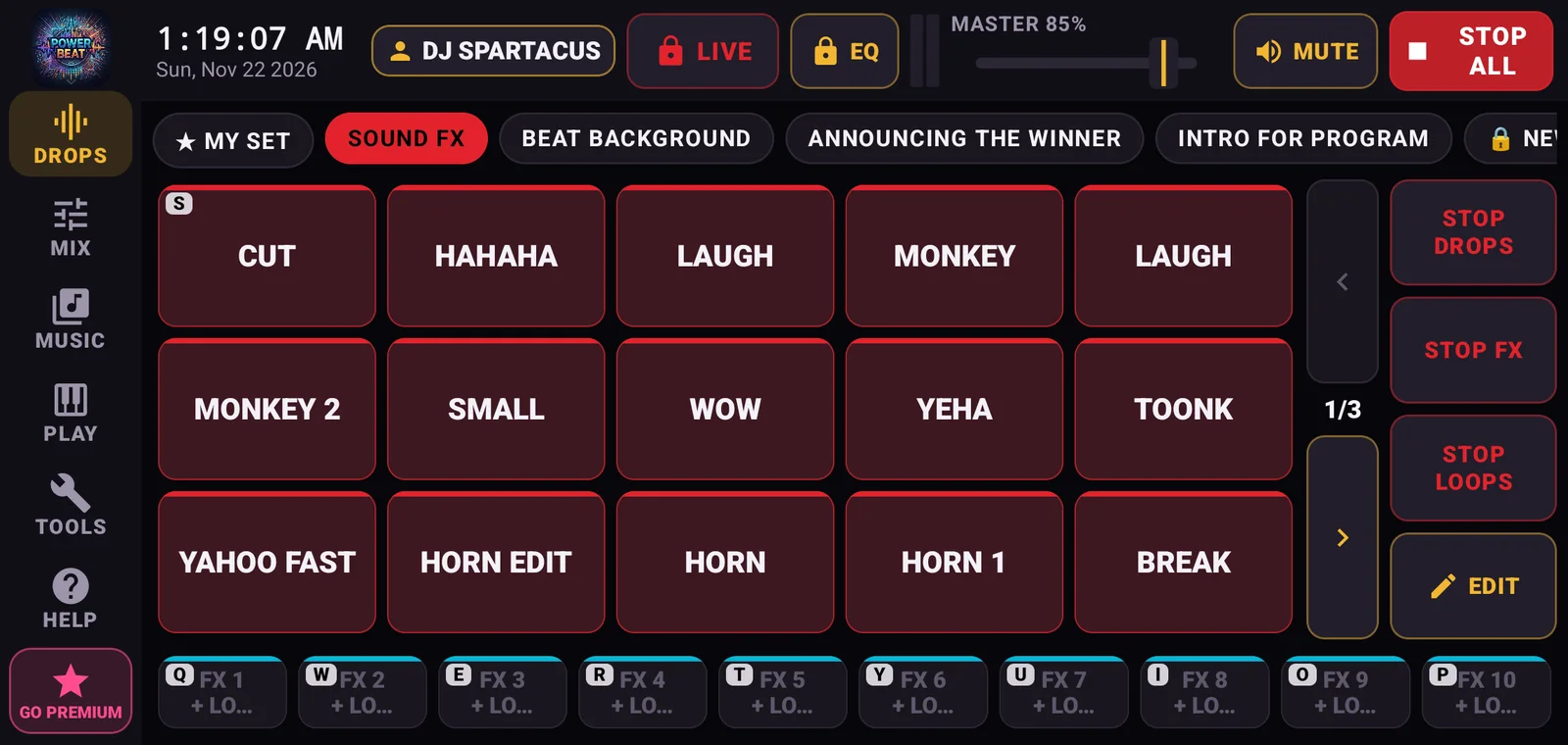
Sound FX, Beat Background, Announcing the Winner and Intro for Program. Tap a pad and it plays.
Power Beat turns your phone into a DJ setup: drops and sound FX, two decks, a mic with auto-duck and auto-mix, all offline. Download Power Beat Basic 1.4 and start mixing.
Everything below is open in Power Beat Basic 1.4, straight after activation.
Sound FX, Beat Background, Announcing the Winner and Intro for Program. Tap a pad and it plays.
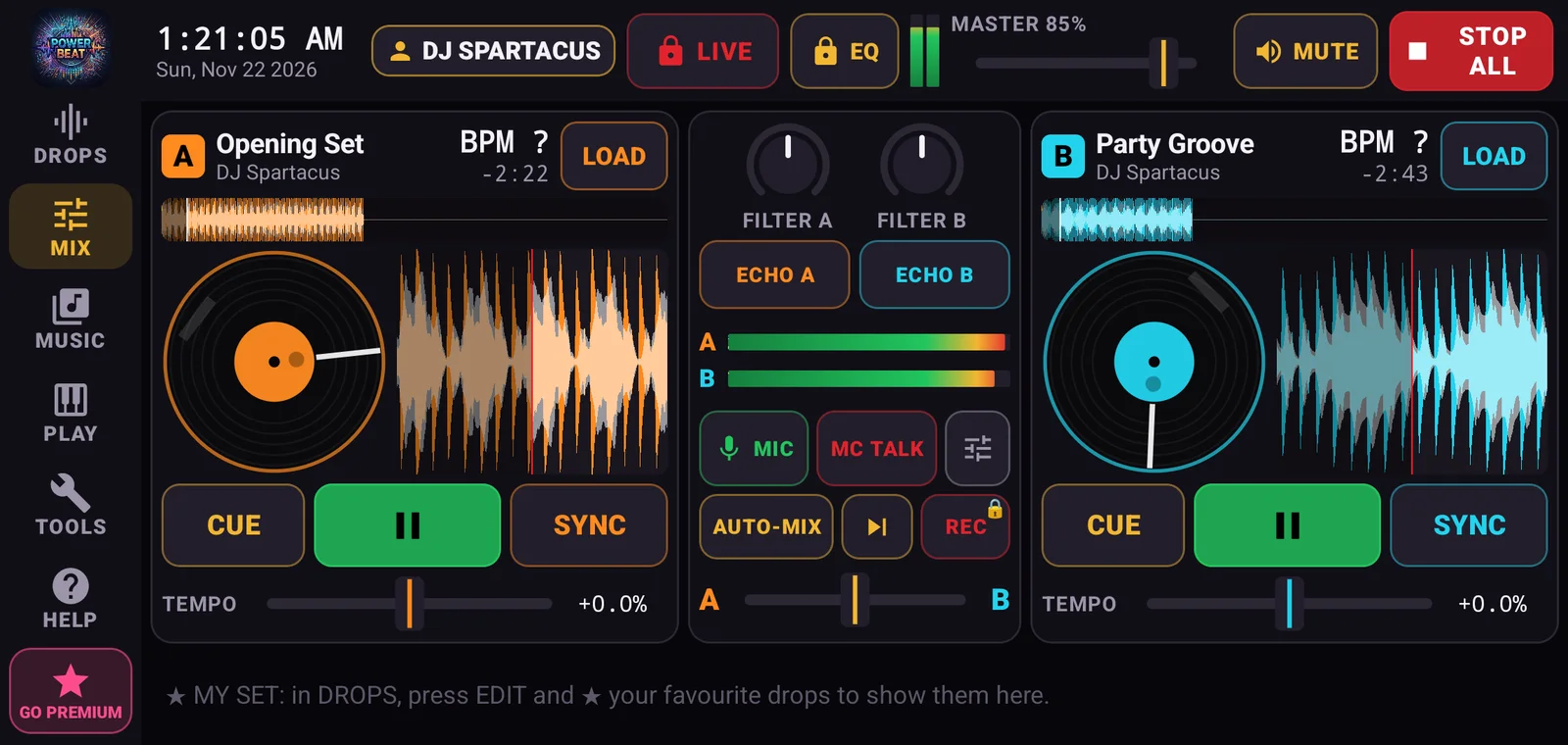
Decks A and B with SYNC, a crossfader, FILTER and ECHO.
Drag the spinning record to scratch, like on a real turntable.
The MIC has auto-duck, so the music dips when you talk. MC TALK is one tap away.
Make playlists from the songs on your phone and let AUTO-MIX play them, with no repeats.
No internet needed at the venue. Everything runs on your phone.
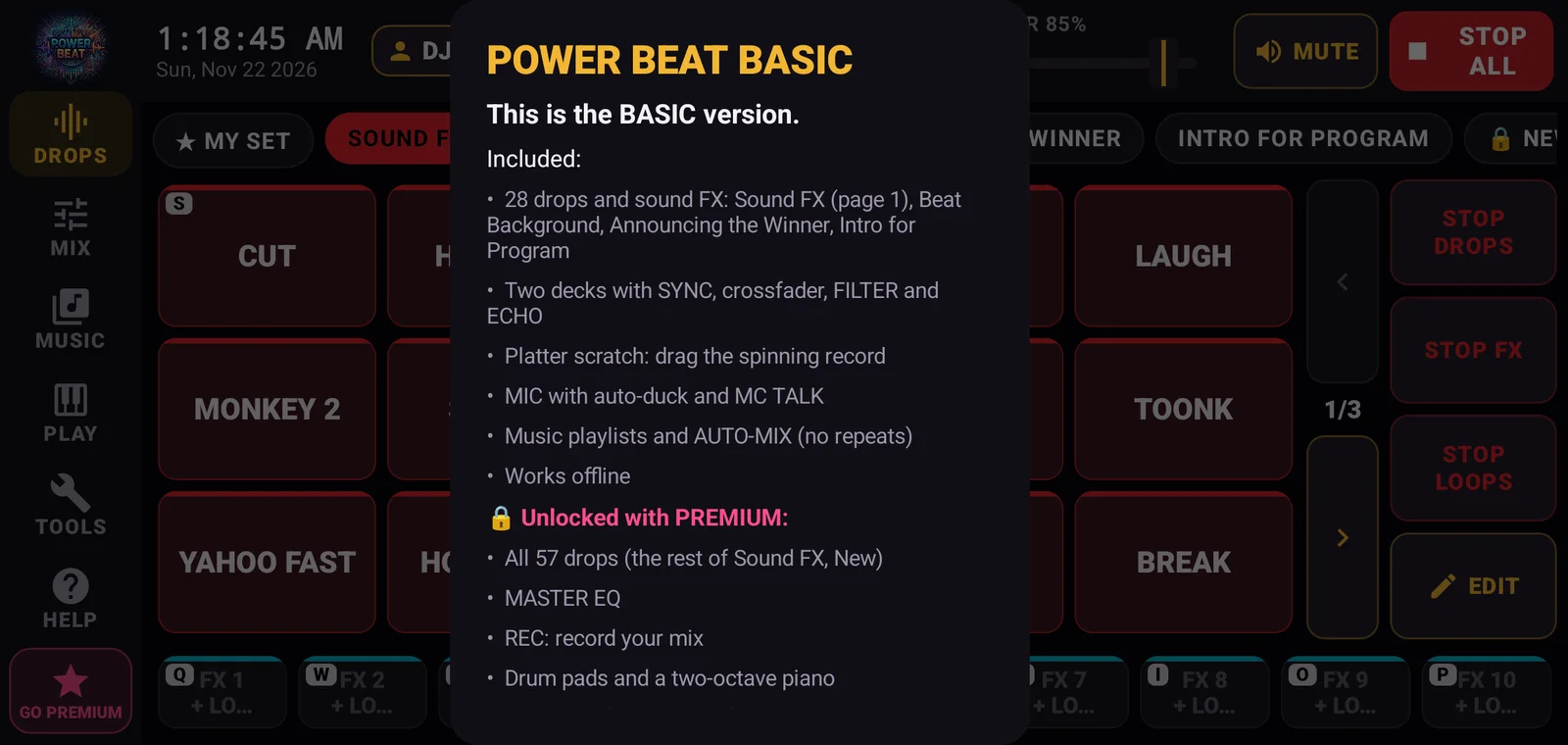
Screenshots from Power Beat Basic 1.4.0 on an Android phone.
Download the APK, install it, then send your Machine ID to our Facebook page to get your activation key.
Download for AndroidTap Download Basic. Your phone saves POWER-BEAT-BASIC-v1.4.0.apk (18 MB). If the browser asks, keep the file.
Open the file from your notifications or Downloads. If Android asks, allow your browser or Files app to install apps, then tap Install.
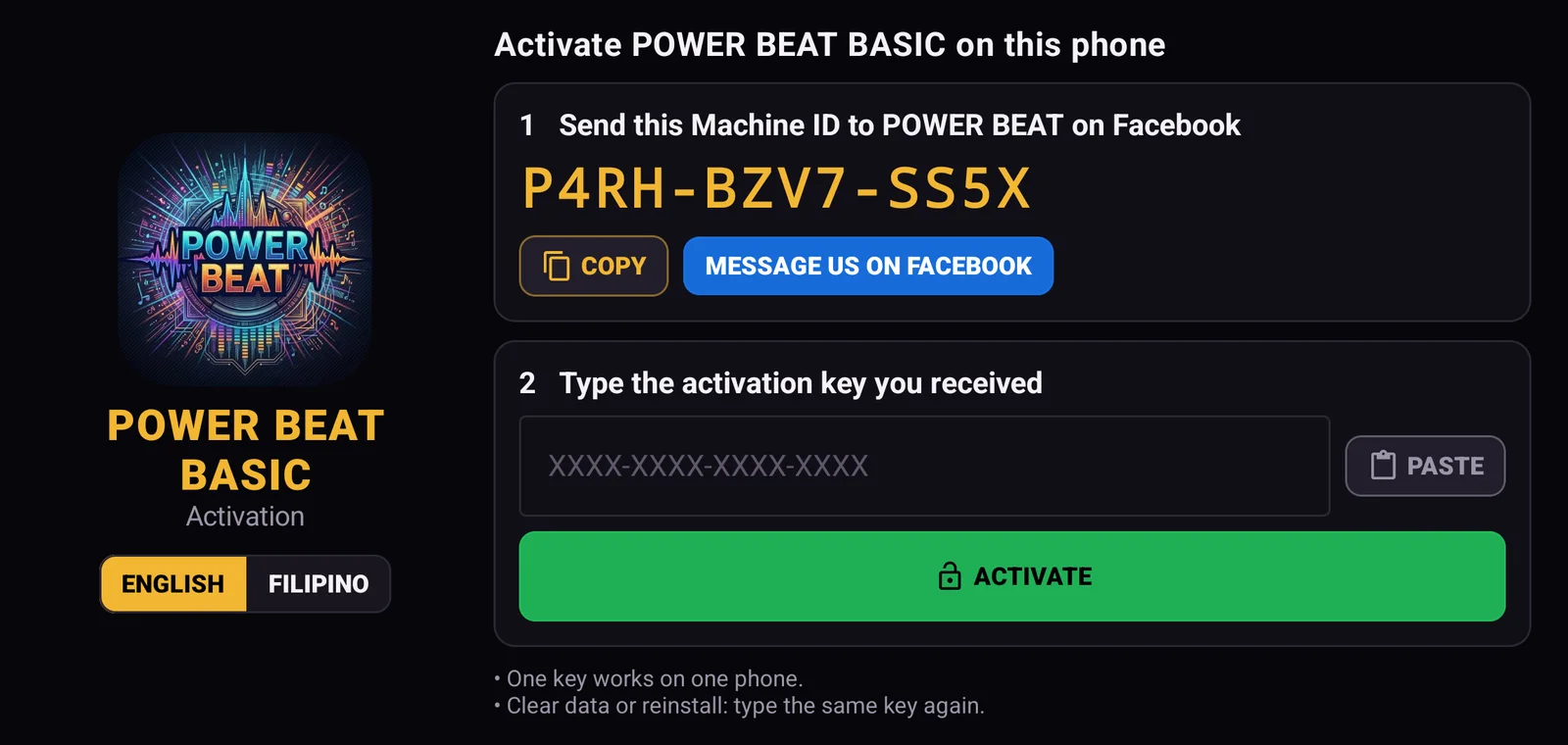
Open Power Beat. It shows your Machine ID. Tap MESSAGE US ON FACEBOOK: it copies the ID and opens our page. Paste it in the chat.
Type or paste the activation key you get back and tap ACTIVATE. One key works on one phone, and again if you reinstall.
Start with Basic. To upgrade, message our Facebook page with the same Machine ID and you get a key for the new app.
Version 1.4 · Android
Everything in Basic, plus:
Android and Windows PC
Power Beat Pro and Premium are available only through our official, verified Facebook page. Message us there to upgrade and get your activation key.
 POWER BEAT facebook.com/powerbeat.2026 · 3.7K followersMessage us on Facebook